How to Download the Cliarly App
Get started with Cliarly's app for your phone or tablet
Download Cliarly from the App Store or Google Play, and use Cliarly on the go.
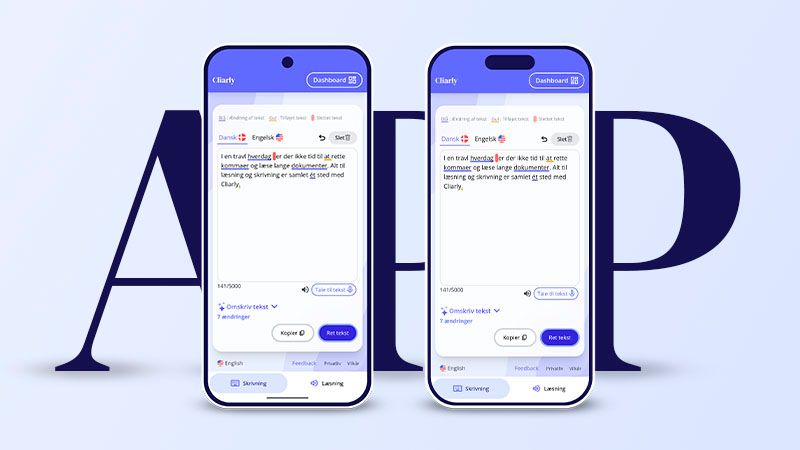
Download the Cliarly app here:
Use the links above, or search for Cliarly in the App Store or Google Play, to install Cliarly.
How do I log in?
You can use the same account for the Cliarly app as you use on your computer. You have the option to log in with Google, Microsoft, and Apple. If you already have a Cliarly license and log in with the same account, you will also have full access on your phone and won't need to purchase an additional subscription.
What can the app do?
With the Cliarly app, you can have your text corrected and use speech-to-text just like you're used to. It is easy to copy the text to wherever you need to use it. Cliarly also has a read-aloud feature that can read text aloud on your phone. However, this requires you to copy the text into the app. You can adjust the reading speed and switch between Cliarly's voices.